User {{ userAvatarText }}

Try this:

Image ready to send Press Enter to send
{{ isVectorImageUploading ? 'Checking image safety...' : isVectorGenerating ? 'Converting, please wait...' : 'Click to upload, or take a screenshot and press Ctrl+V anywhere on this page.' }}
{{ toast.message }}
One connected workflow

Editable Figure Studio Generate, Convert, and Edit Scientific Figures

Beyond Generation — Edit Online and Refine Every Detail

After generation and conversion, adjust labels, shapes, and layout in the online editor — or export to PowerPoint, Illustrator, and Inkscape.

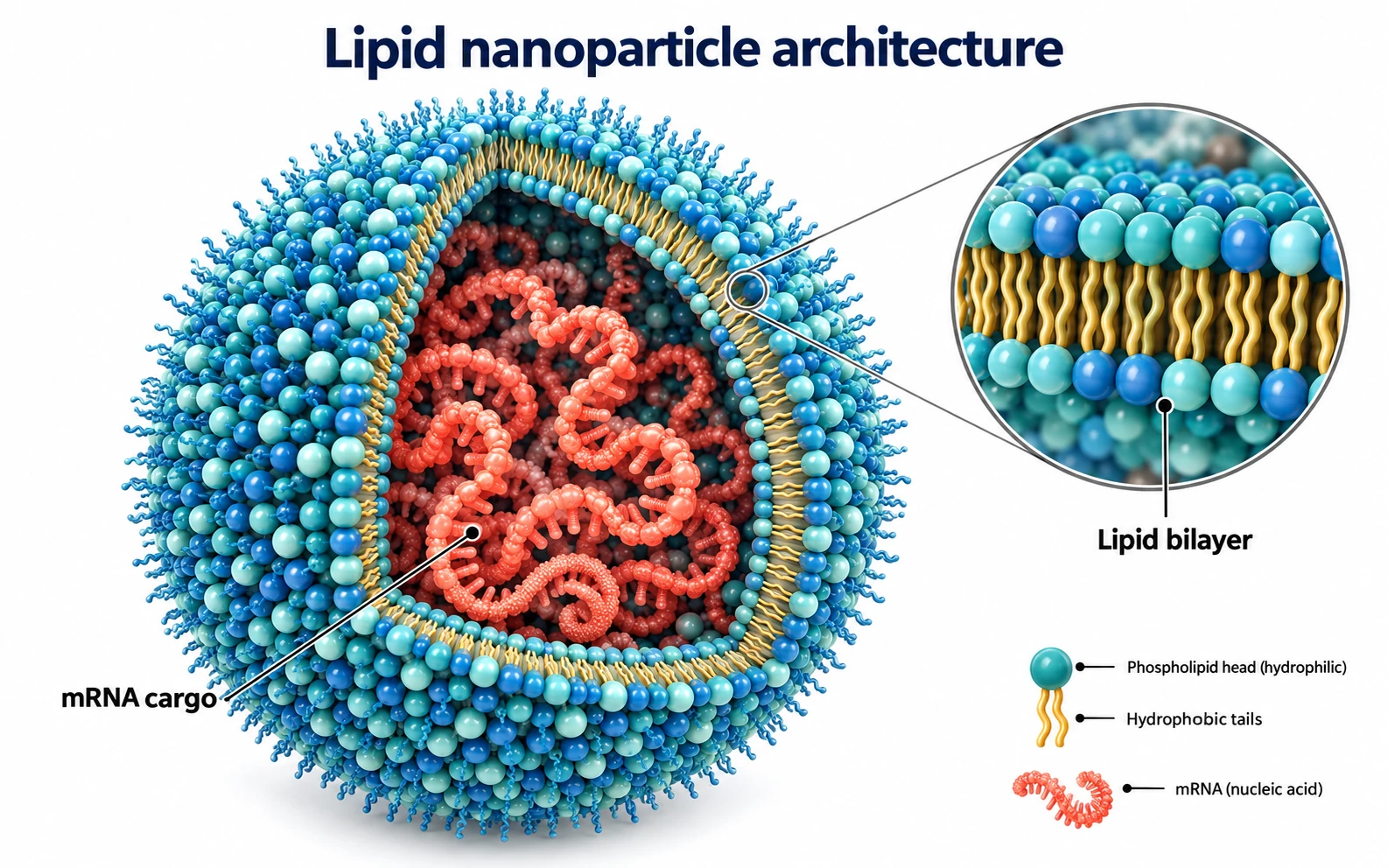
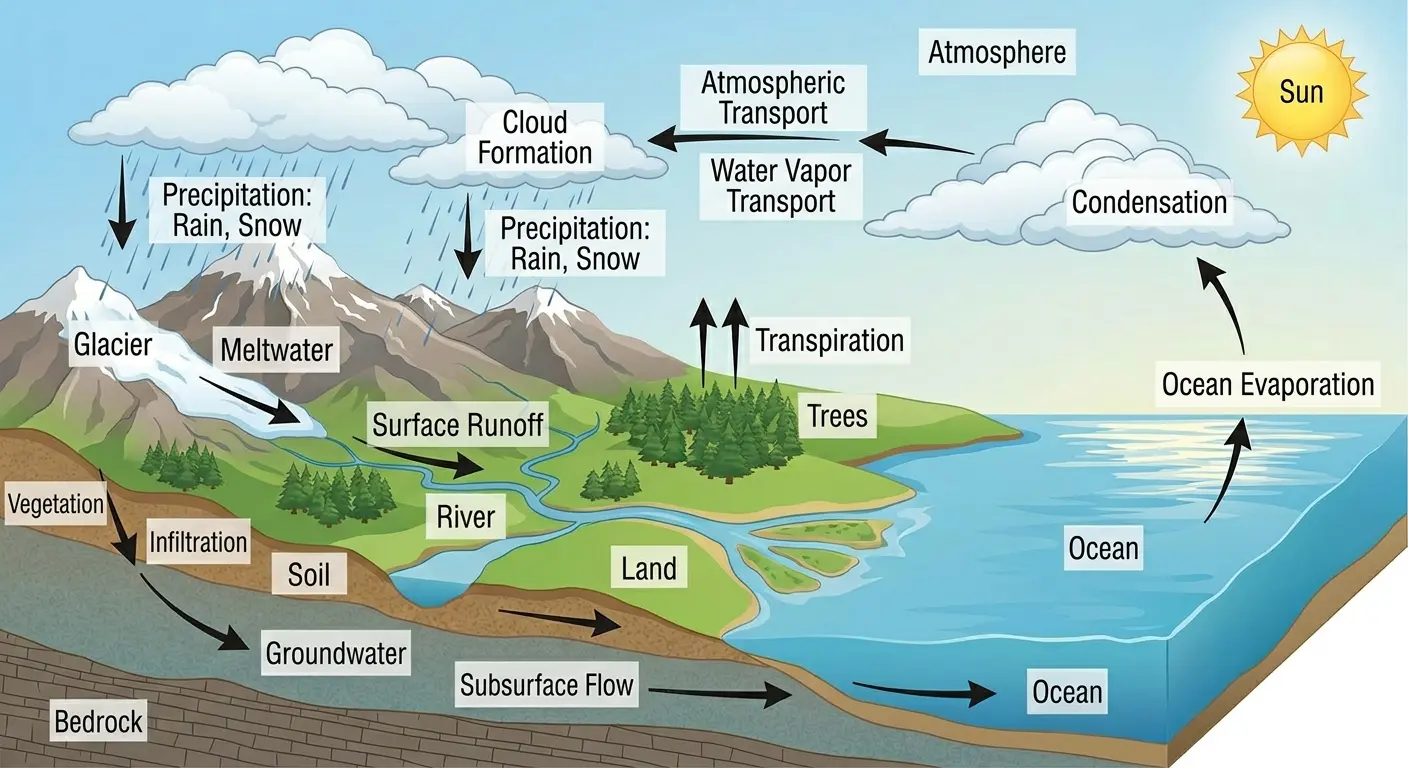
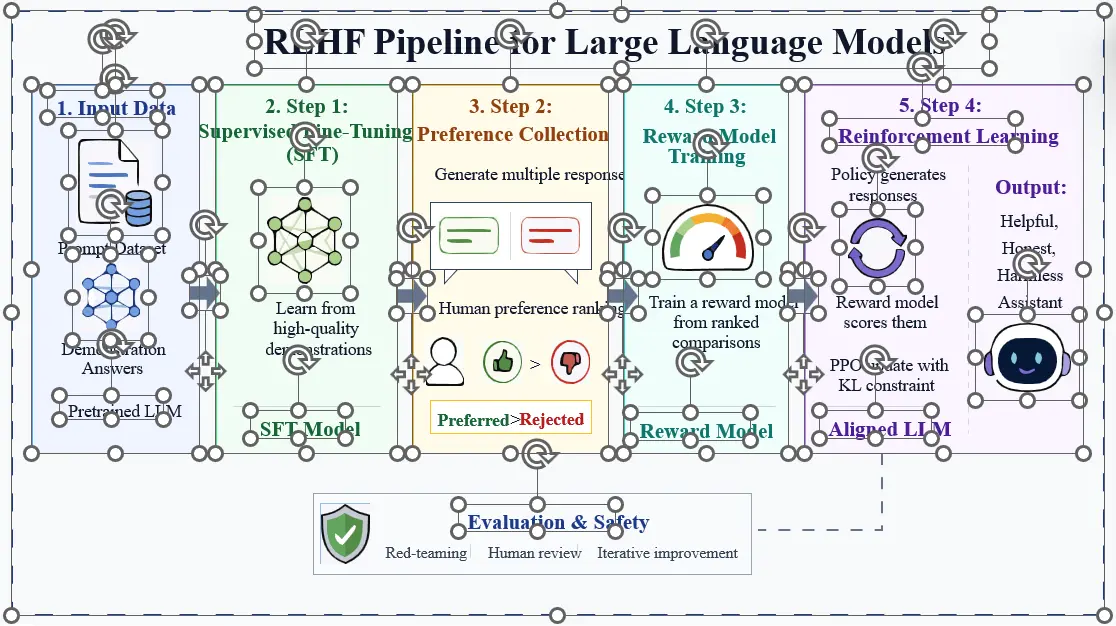
Before You generated beautiful scientific figures with AI, but couldn't edit them.
Before: AI-generated scientific figure that cannot be edited
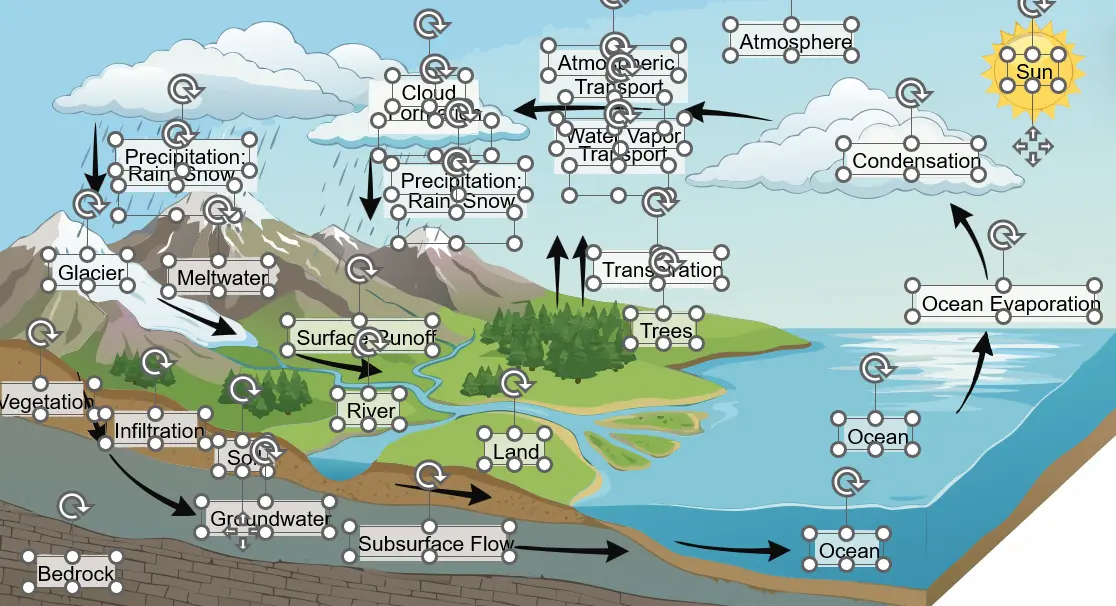
After Now you have SVG/PPT files that perfectly preserve every element and its structure.
After conversion: structured, editable SVG scientific figure with preserved elements
Don't just watch a demo — try it right in this editor. What you see is what you get.
Export PPT
Loading editor...
AI figure generation

Generate Publication-Ready Figures with AI

Powered by GPT Image 2.5, Nano Banana 2, and other advanced models. Start from 80+ templates across biology, chemistry, computer science, geosciences, physics, and more.

80+ ready-to-use templates

01

Reference to Figure

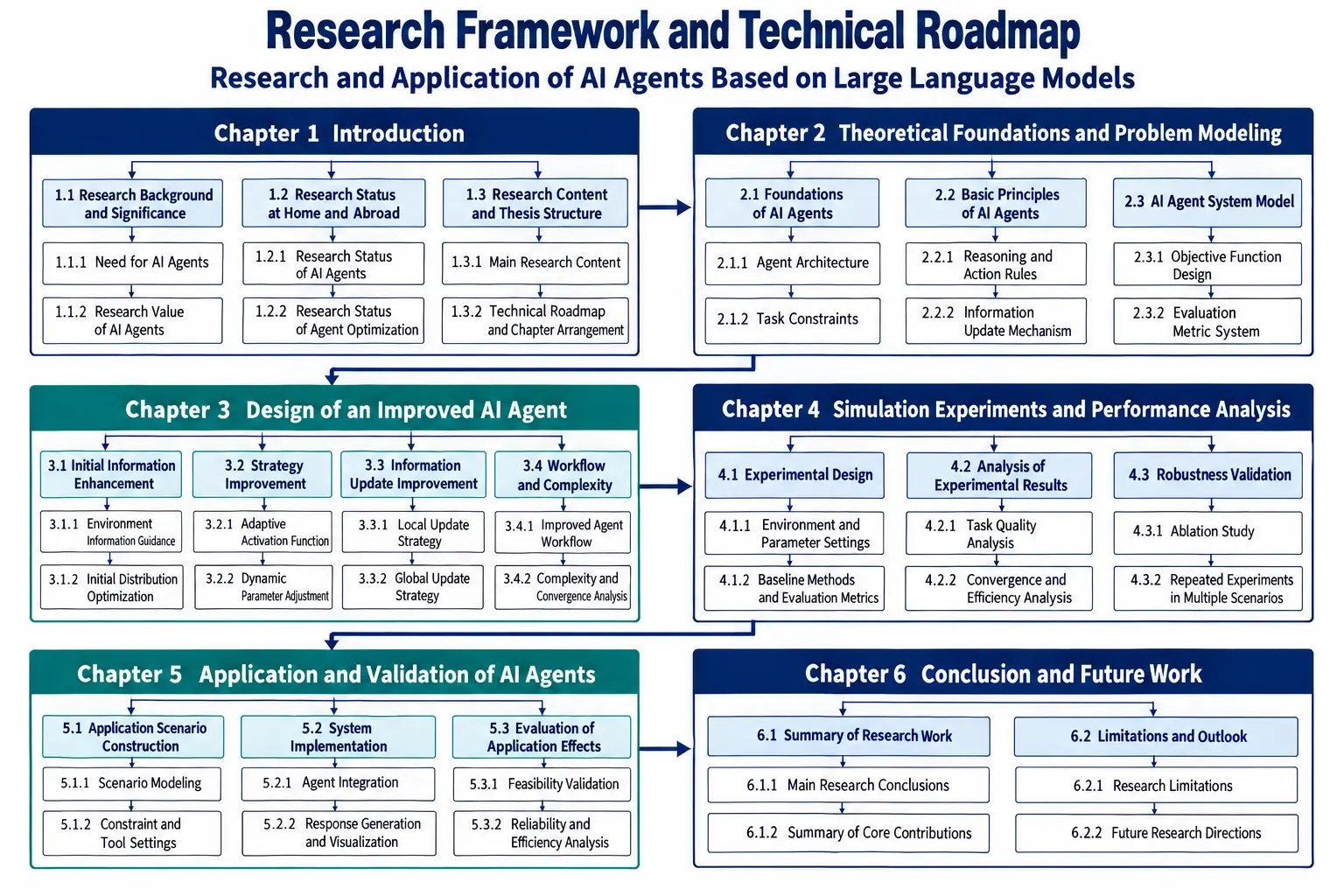
Upload any reference figure and let AI recreate it as a clean, publication-ready illustration, keeping the structure and layout you want.

Drag the divider to compare
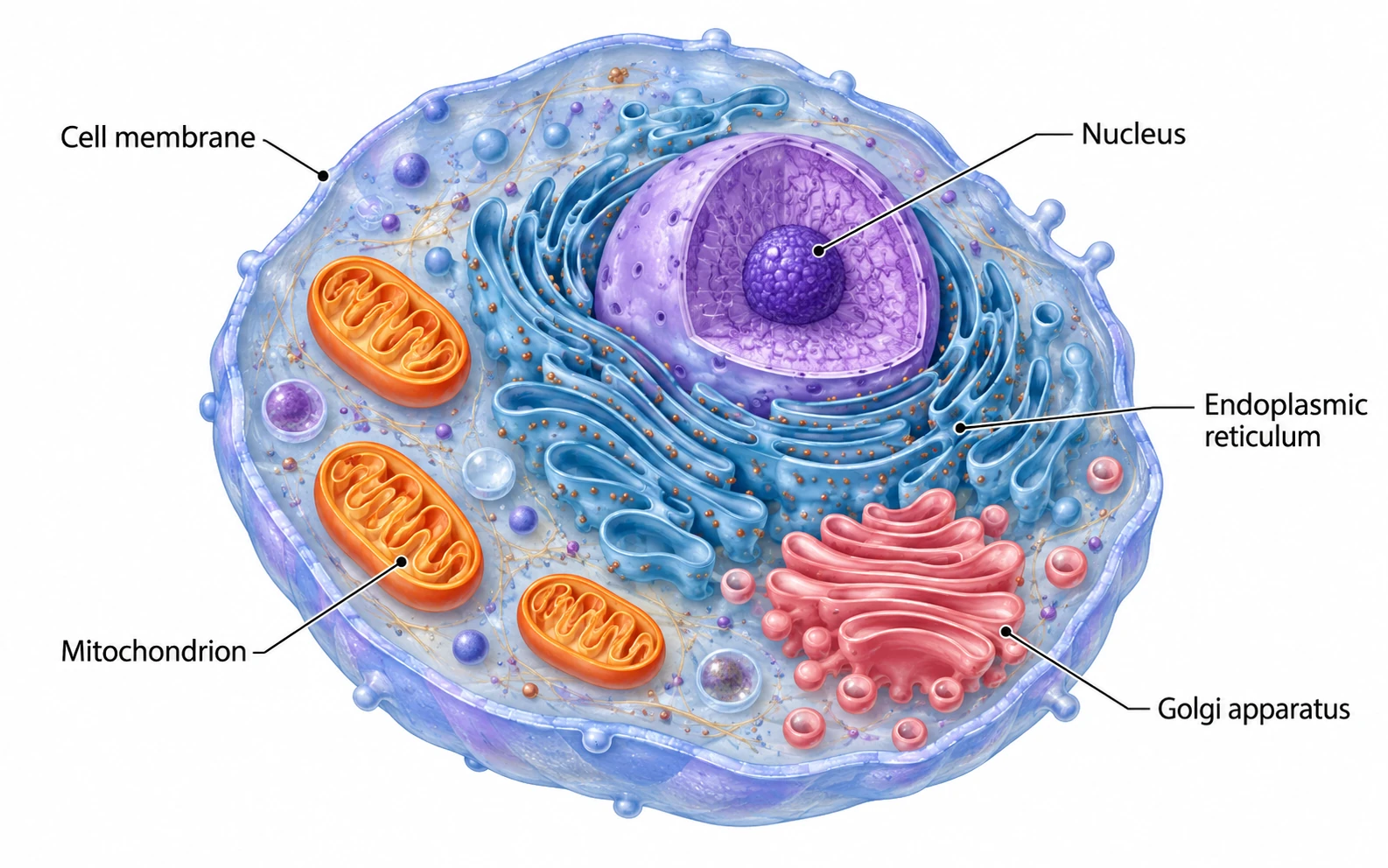
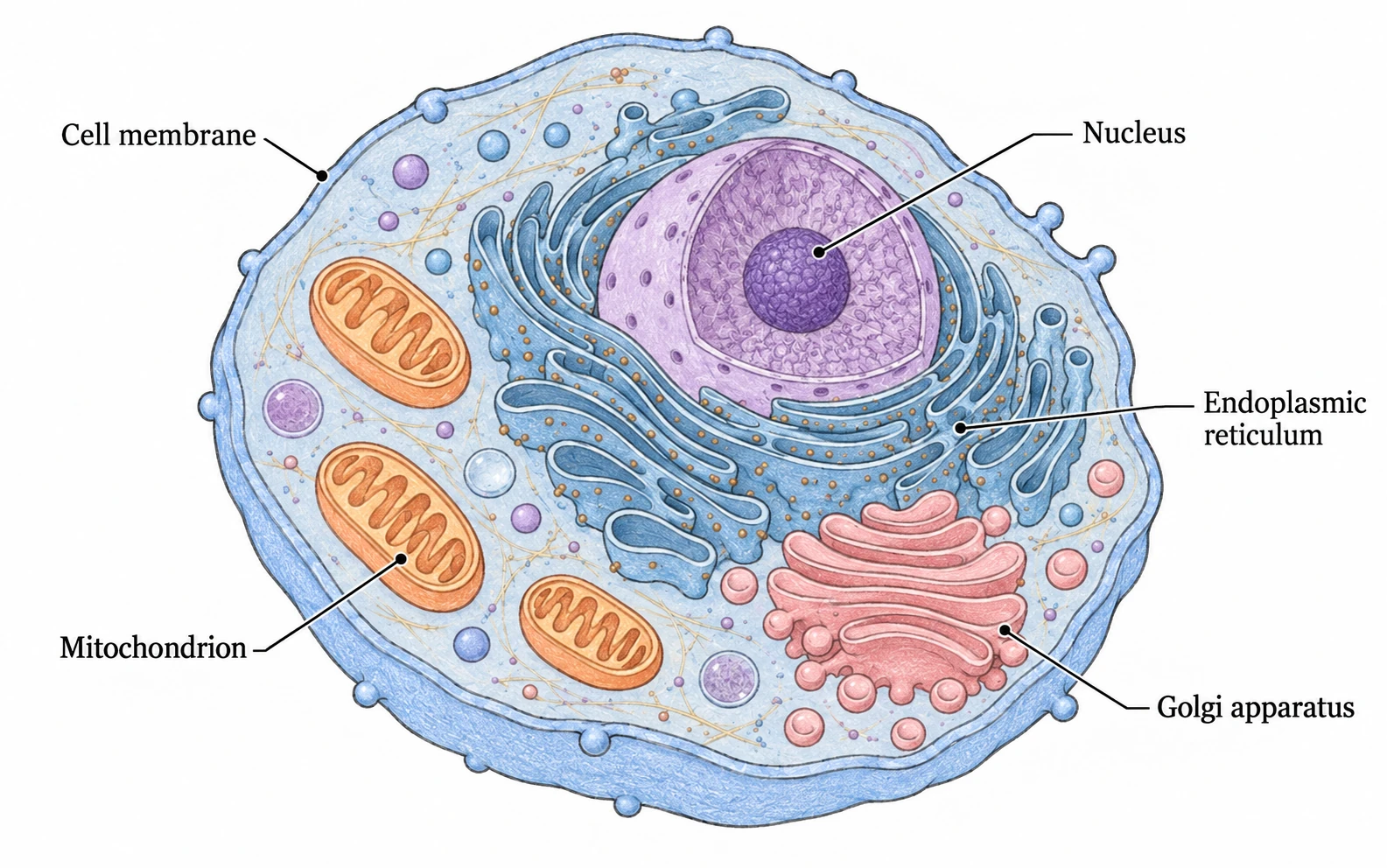
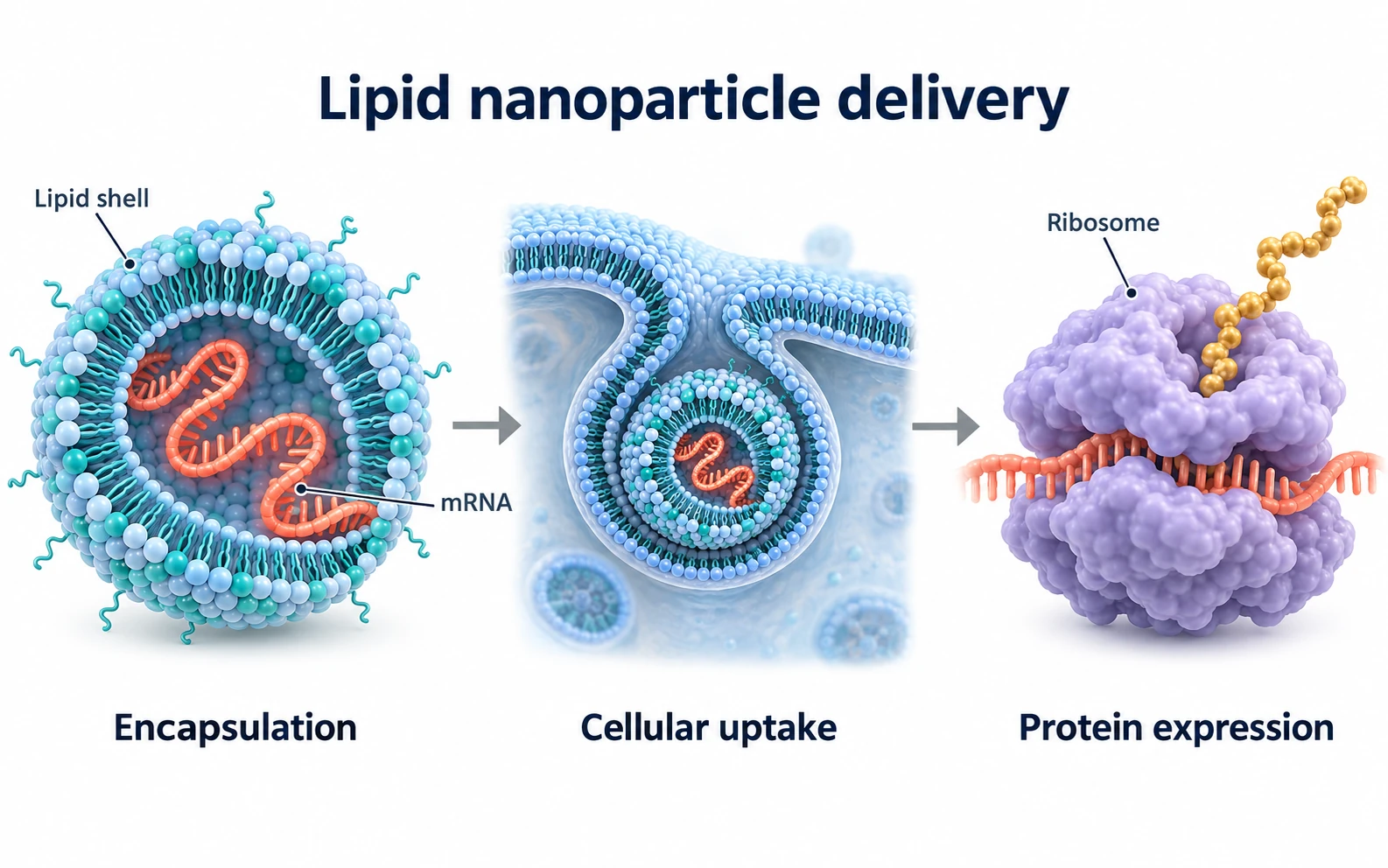
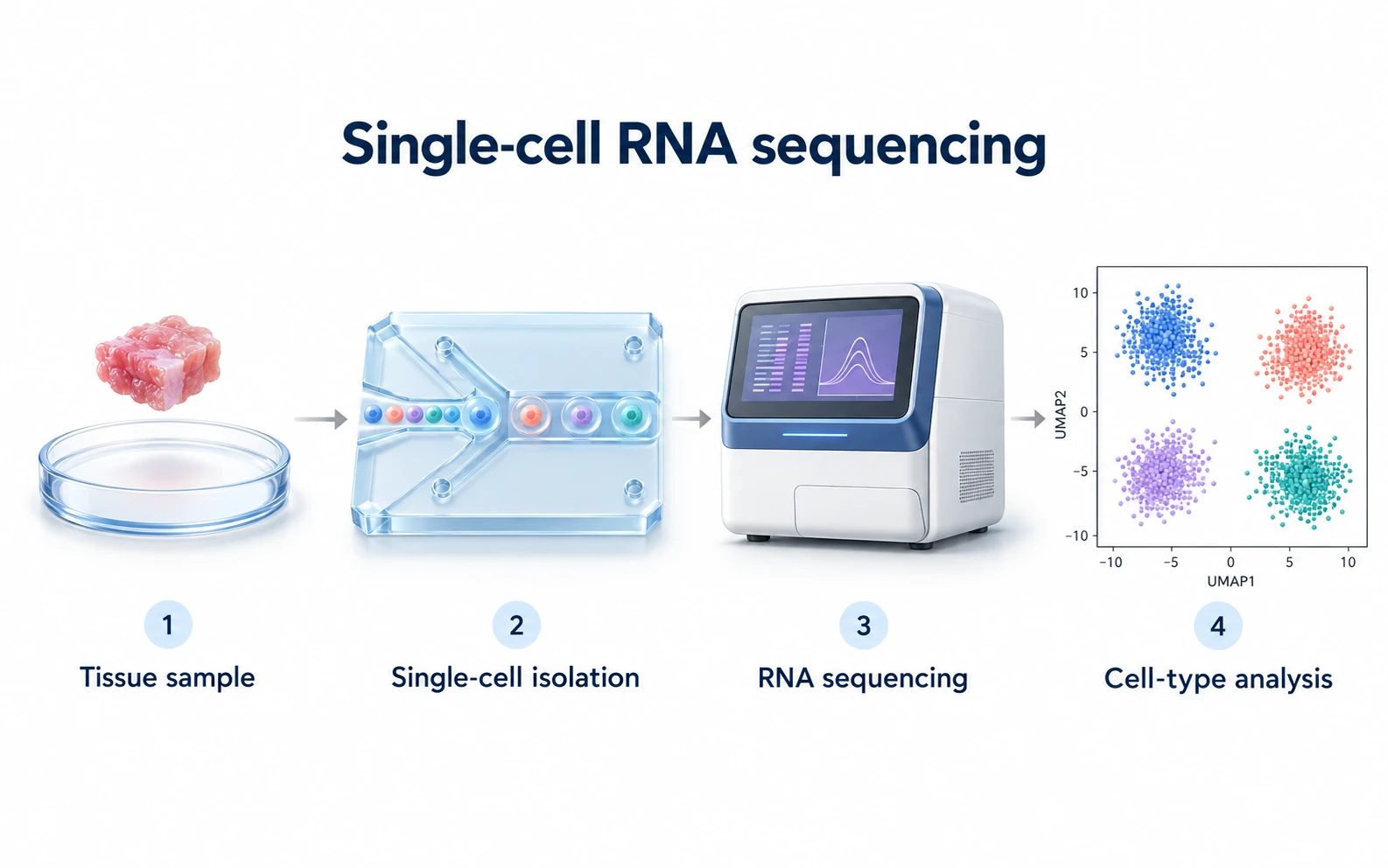
AI-generated scientific figure created from a reference figure
Reference figure used as the input
Reference Generated
02

Text to Figure

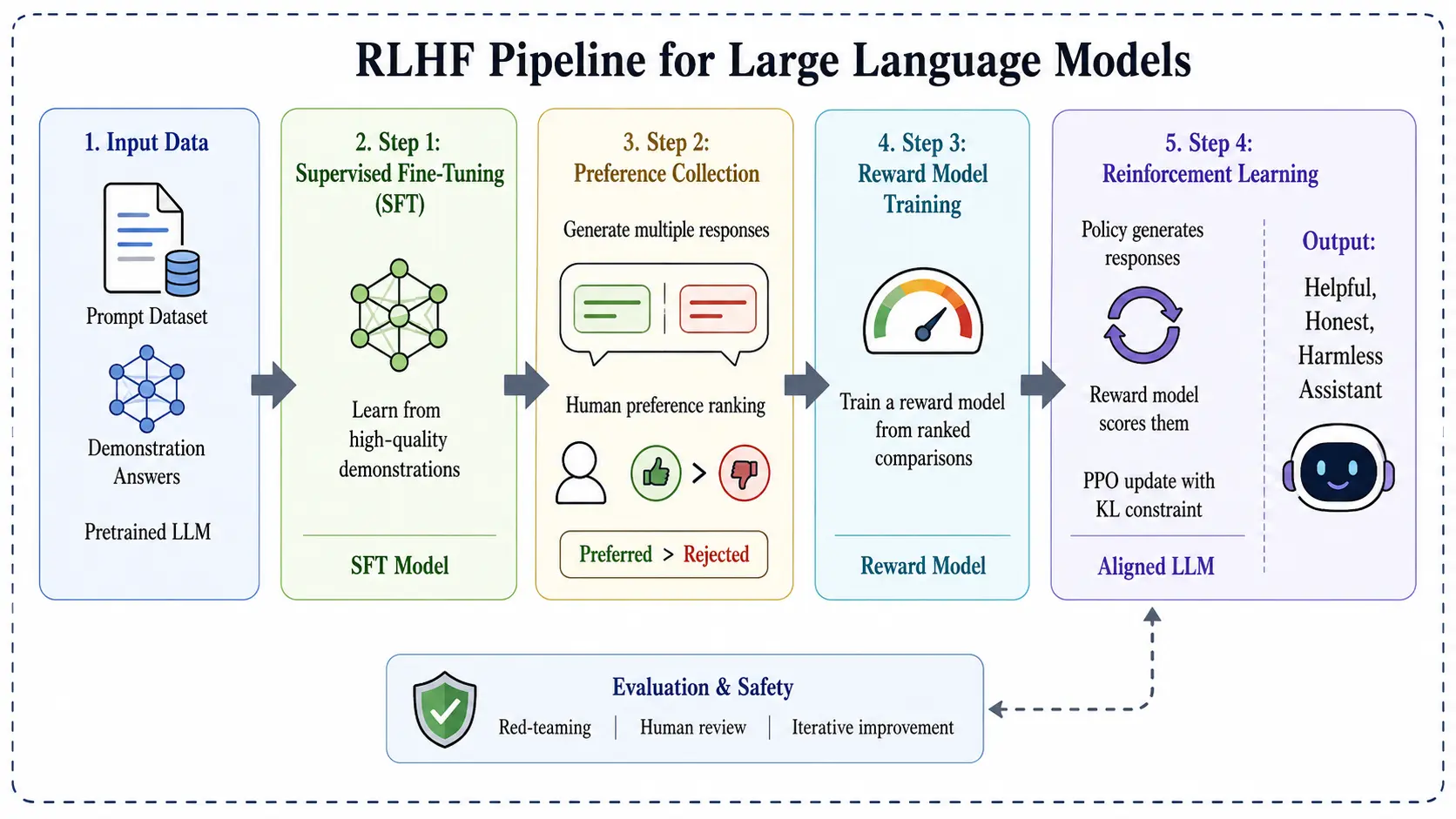
Describe your idea in plain language. AI turns your words into a polished scientific figure, no design skills required.

Drag the divider to compare
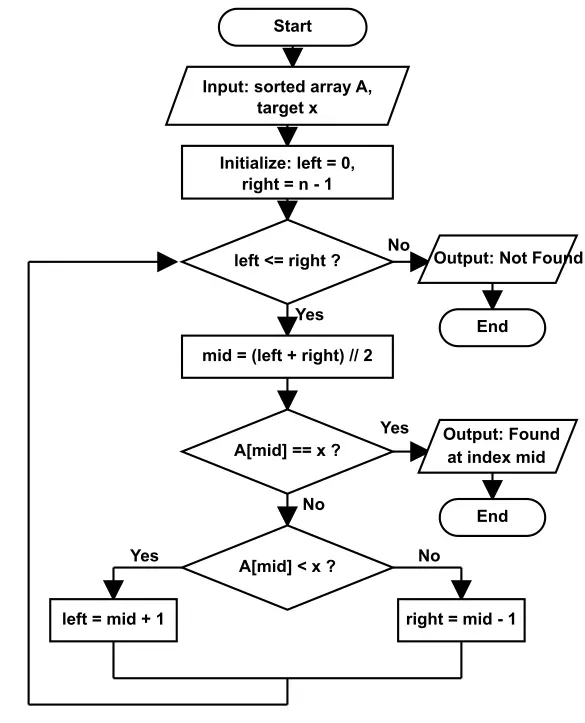
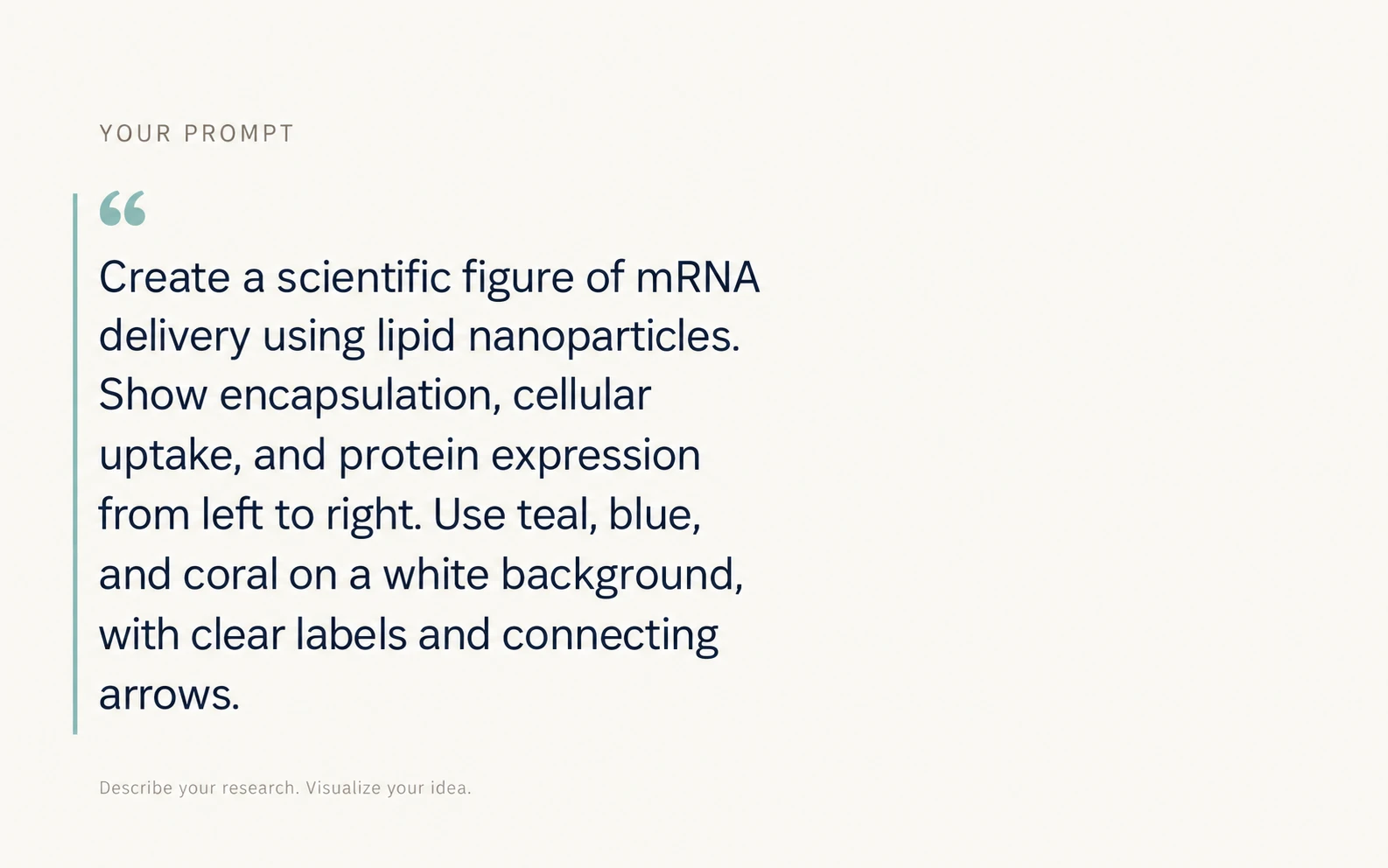
AI-generated scientific figure created from a text description
Text prompt used as the input
Your prompt Generated
03

Sketch to Figure

Have a rough sketch on paper or screen? Upload it and watch your layout become a refined, professional figure.

Drag the divider to compare
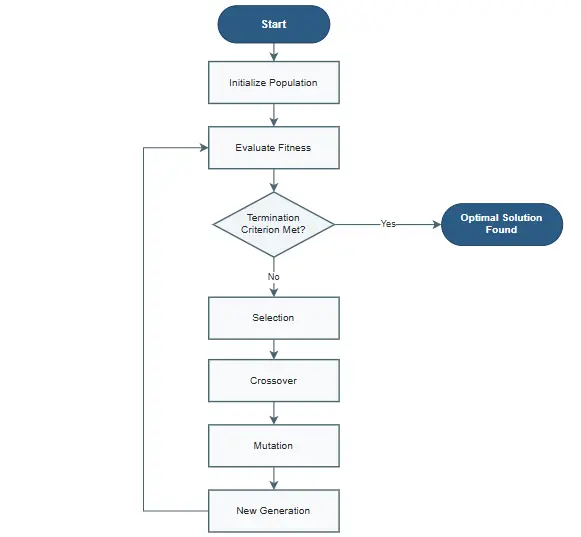
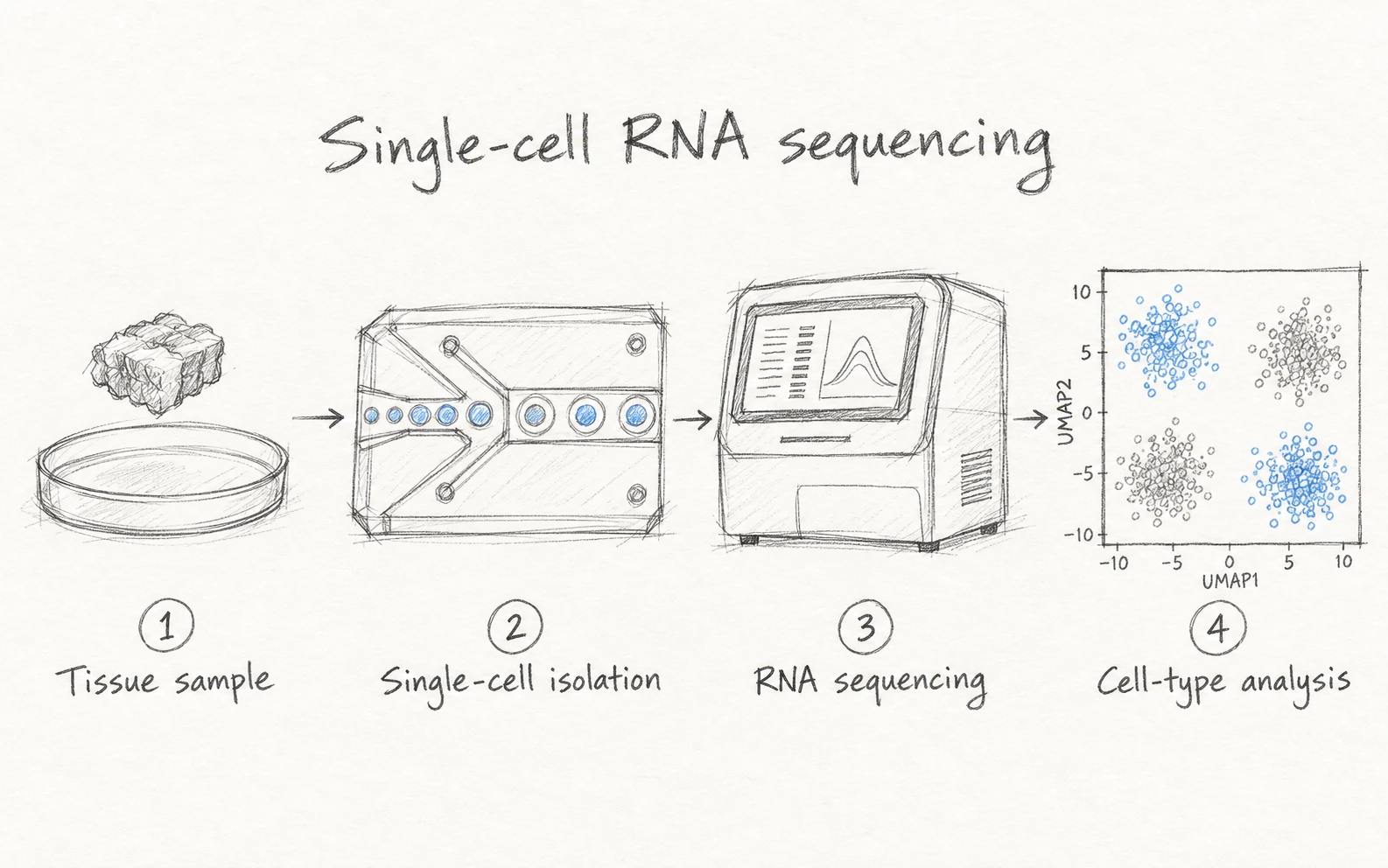
AI-generated scientific figure created from a hand-drawn sketch
Hand-drawn sketch used as the input
Your sketch Generated
04

Ultra-HD Export in 4K & 8K

Enhance and upscale your figures, then export them in 4K or 8K ultra-high definition, crisp enough for journal covers, posters, and large-format prints.

4K 8K Drag the divider to compare
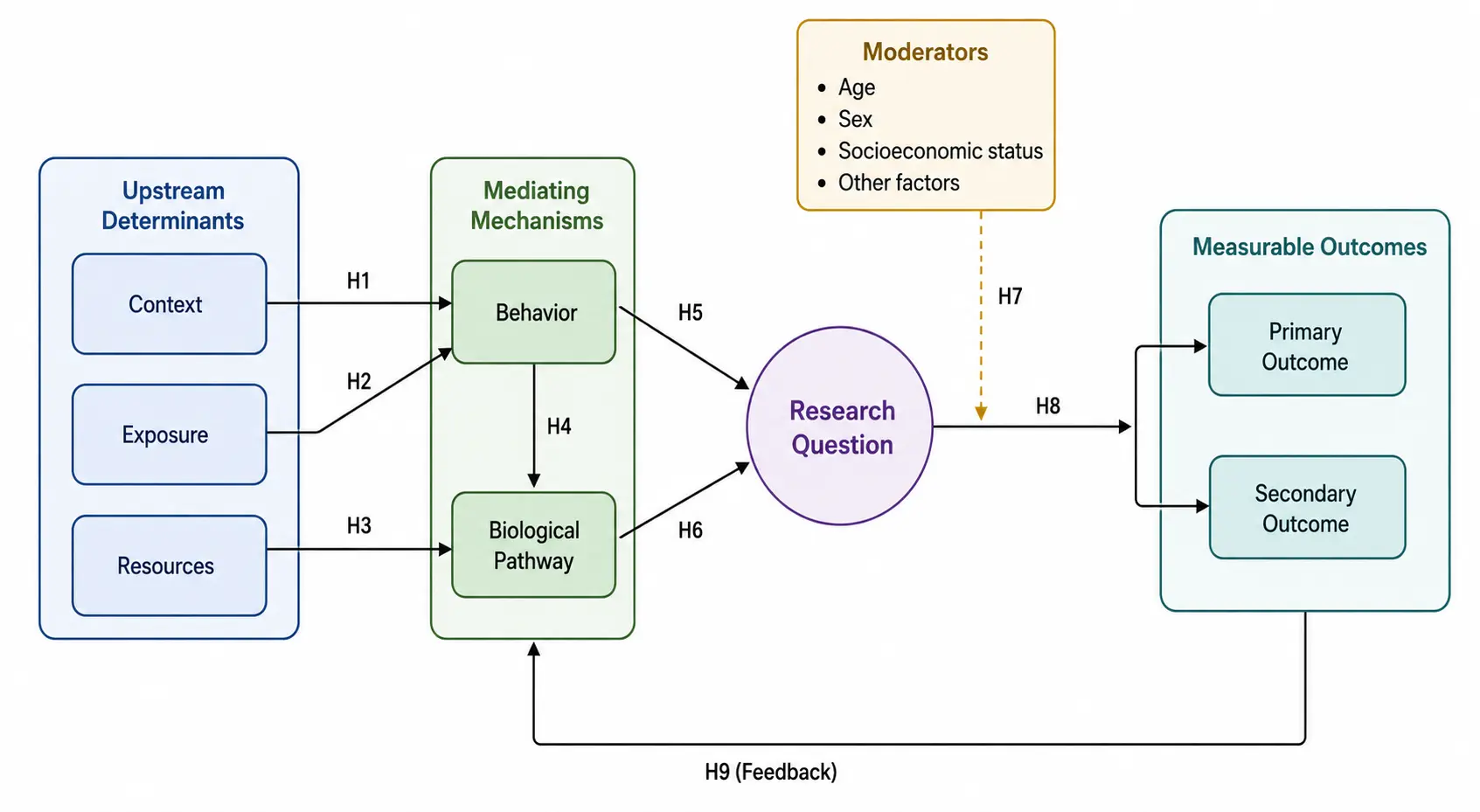
Figure exported in 4K and 8K ultra-high definition
Original lower-resolution figure used as the input
Original 4K / 8K

Convert Existing Figures to Editable SVG and PPT

See how generated or uploaded scientific figures become structured vector graphics, ready for online editing and desktop design tools.

Supports any drawing software that can edit SVG, such as Adobe Illustrator, Inkscape, and PowerPoint.

How to import into PowerPoint: Copy the downloaded SVG file with Ctrl+C, paste it into a new slide, then right-click and choose "Ungroup" to cancel the grouping.

Diagram generation

Generate Flowcharts, Then Edit Them Online

Create clean Draw.io standard-style diagrams and expressive Excalidraw hand-drawn flowcharts, then refine every node, connector, and label in a full online editor.

Draw.io · Standard style

Every result opens in a full diagram editor. Click any example to try it yourself.

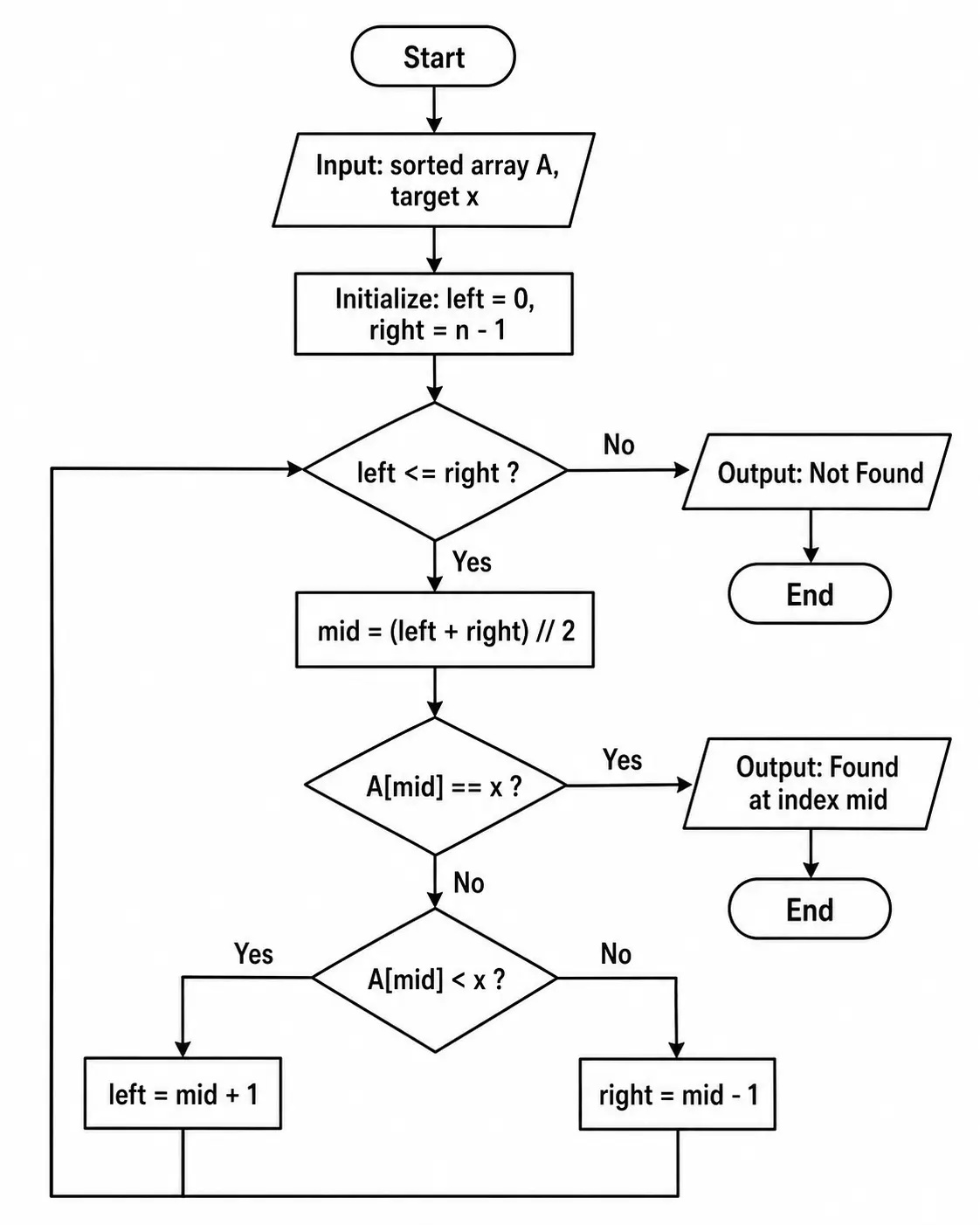
Standard-style flowchart generated from a text description
01

Text to Diagram

Describe a process, pipeline, or system in plain language and receive a clean, structured flowchart in seconds.

Edit online
Standard-style flowchart generated from a reference image
02

Reference to Diagram

Use a reference image as a guide for structure and style, and generate a new flowchart built around your own content.

Edit online
Editable flowchart replicated from an existing diagram image
03

Replicate a Diagram

Turn a screenshot of an existing flowchart into an editable one, with nodes, connectors, and labels rebuilt as vector shapes.

Edit online
Excalidraw · Hand-drawn style

Prefer a Sketched, Whiteboard Look?

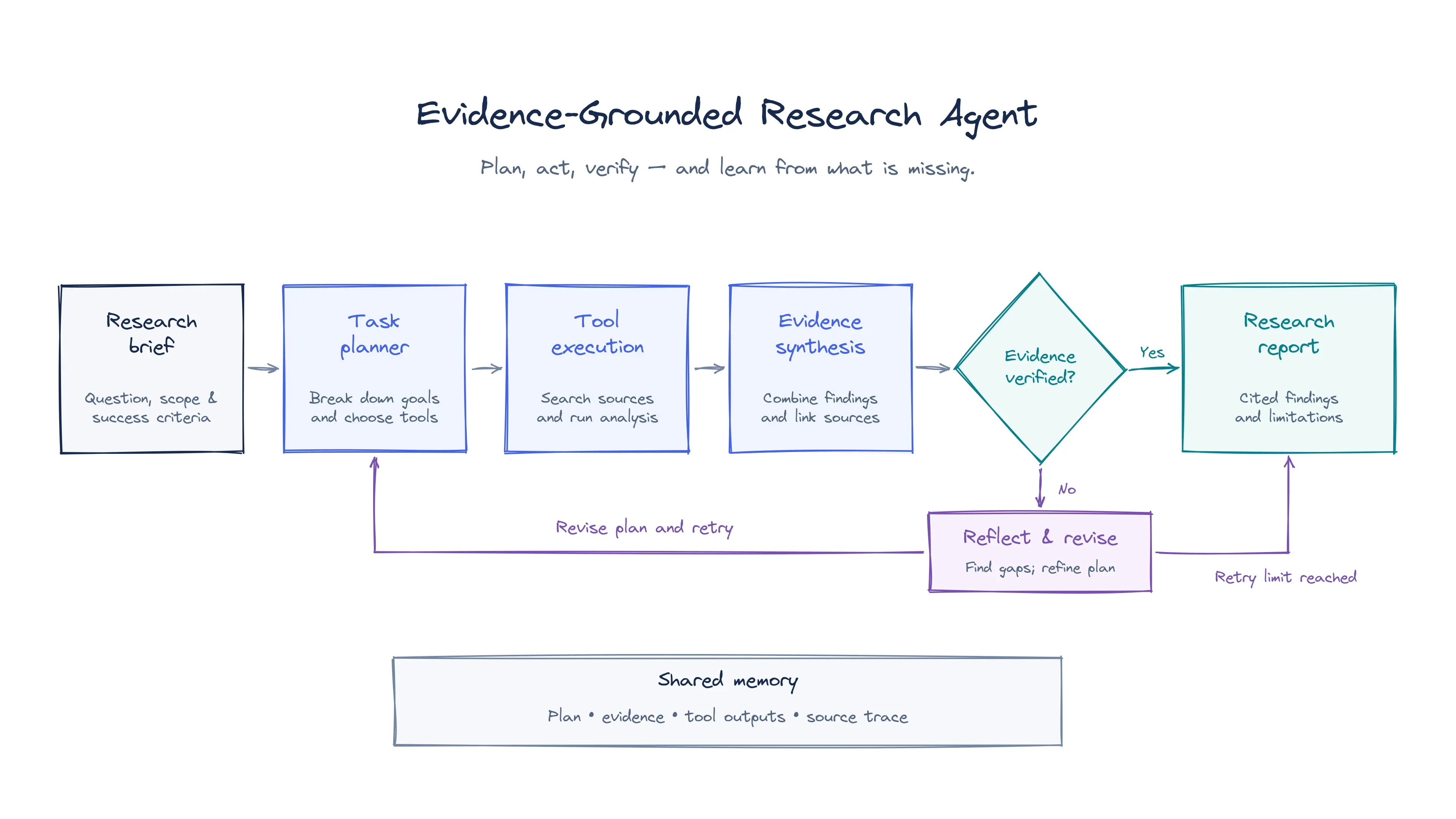
Hand-drawn flowcharts support the same three workflows: text to diagram, reference to diagram, and diagram replication. Open the result in Excalidraw and keep refining.

Edit online
Hand-drawn style flowchart generated by Editable Figure
Plot generation

Turn Ideas and Data into Publication-Ready Plots

Generate editable plots from a text description, an image of an existing chart, or your own Excel and CSV data, then fine-tune every detail in the plot editor.

  • From Text
  • From Images
  • From Excel & CSV
Figure 1 | Representative plot generated with ECharts. a, Validation accuracy during training (mean ± s.d., n = 5 runs). b, Test accuracy across four benchmarks (mean ± s.d.).
Scientific figures, end to end

Everything a Research Figure Needs

Paper figures, concept visualizations, and teaching diagrams. Generate them, convert them into editable files, and revise every line, label, and panel in the browser. Users from 200+ institutions below are already using Editable Figure.

and 200+ other
universities & institutions

What academic users value

Editable figures, diagrams, and plots that move cleanly into papers, slides, and teaching materials.

  • Editable Figure stays out of the way. I turn a sketch or an existing paper figure into something I can edit, then keep writing instead of rebuilding it in a desktop tool.

    Sarah J. Graduate researcher
  • I started from a reference figure and got a clean version I could open in the browser. The structure was already there, and I only needed to adjust a few labels.

    Michael B. PhD candidate
  • Bringing the figure into PowerPoint is what saved my presentation. The shapes and text stayed editable, so I could change colors without redrawing a panel.

    Carlos Martínez Undergraduate student
  • I use it for dense mechanism diagrams. Arrows, labels, and grouping survive the conversion, which matters when a figure goes through several rounds of revision.

    YunKai Zhao Research assistant
  • It is light enough to sit inside the way I already work. I describe the figure, generate it, and edit the result online before it goes into my thesis or my slides.

    Anna S. Master's student
  • I rebuilt a results figure from a spreadsheet and a rough plot. The axes and labels came out editable, so the paper and the talk finally use the same figure.

    Lukas W. Postdoctoral fellow
01

Made for the people who make the figures

Built for students, researchers, teachers, creators, and publishing professionals who need a figure to hold up in a paper, a lecture, or a finished publication.

02

Your Privacy, Our Priority

Your figures stay yours

We take your privacy seriously. Files you upload are handled only to produce the result you asked for.

  • Never used to train our models
  • Processed only temporarily
  • Not saved, not analyzed
Invite & earn

Invite Friends. Unlock Free Membership.

Share Editable Figure with a friend and you both get free AI Credits. Keep inviting, and a free monthly or yearly membership is yours.

Get Free Membership Sign in to get your personal invite link.
  1. 1friend
    Free AI Credits Plus free Diagram Generation, for you and your friend.
  2. 3friends
    Free monthly membership A $10 value, on us.
  3. 20friends
    Free yearly membership Best value A $108 value. A full year of Editable Figure.
One studio. The complete figure workflow.

Start Generating, Converting, and Editing

Turn ideas and existing images into polished, editable scientific figures in one streamlined workspace.

Open Editable Figure Studio

Need only basic image editing? Try this free online image editor