Uploading image...
Please wait while we check and prepare your image.
Upload an image to start editing
Supports PNG and JPG formats
Please wait while we check and prepare your image.
Supports PNG and JPG formats
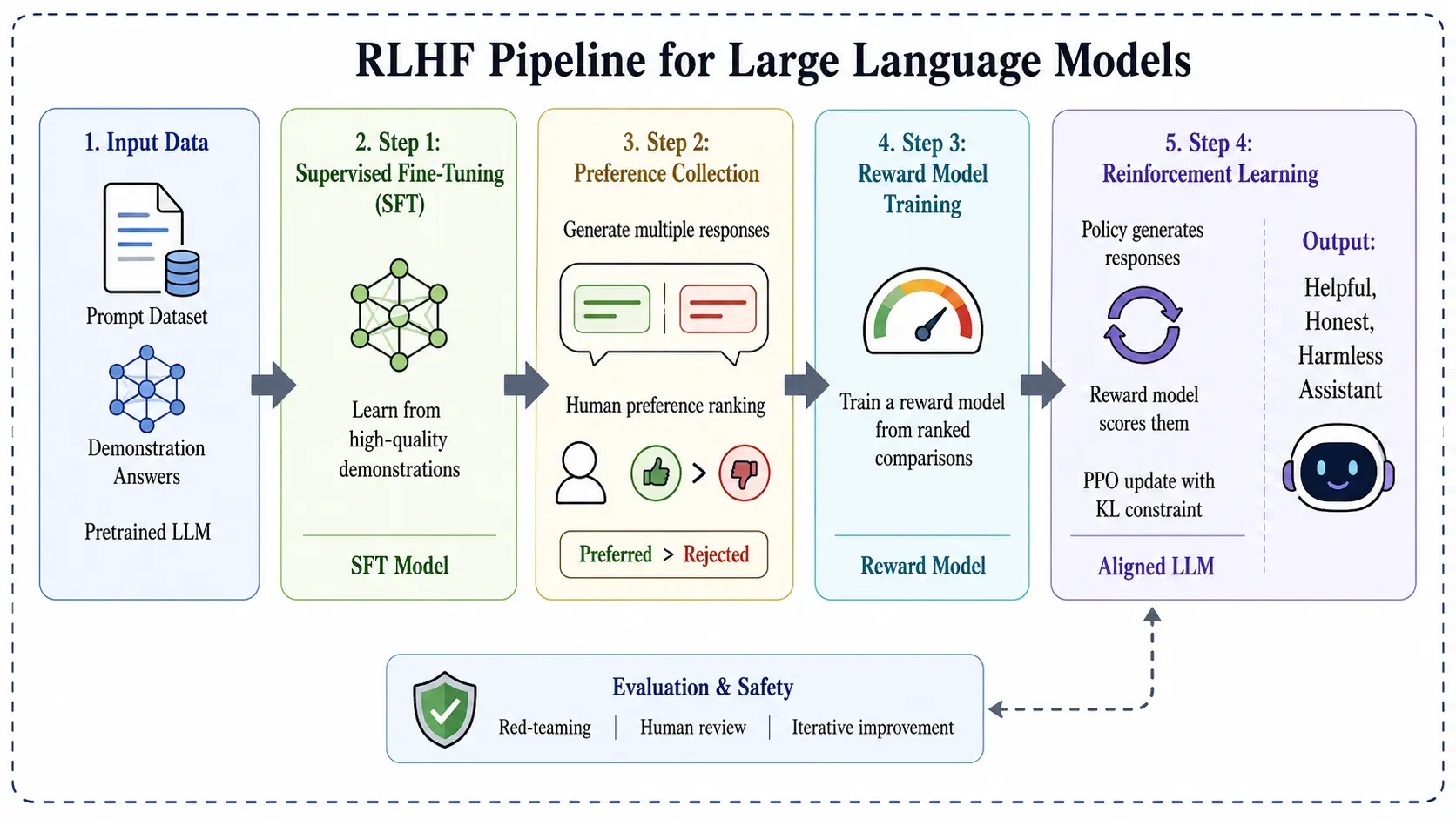
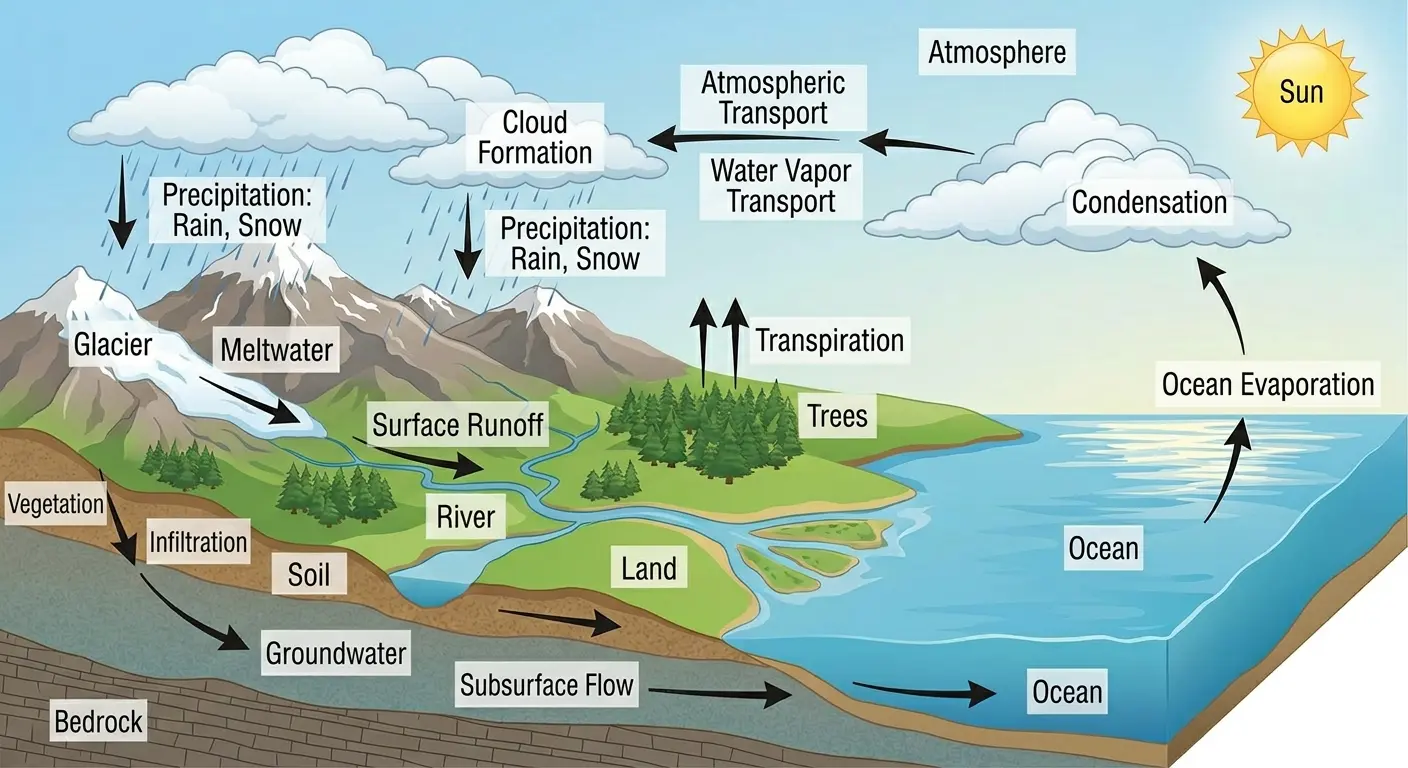
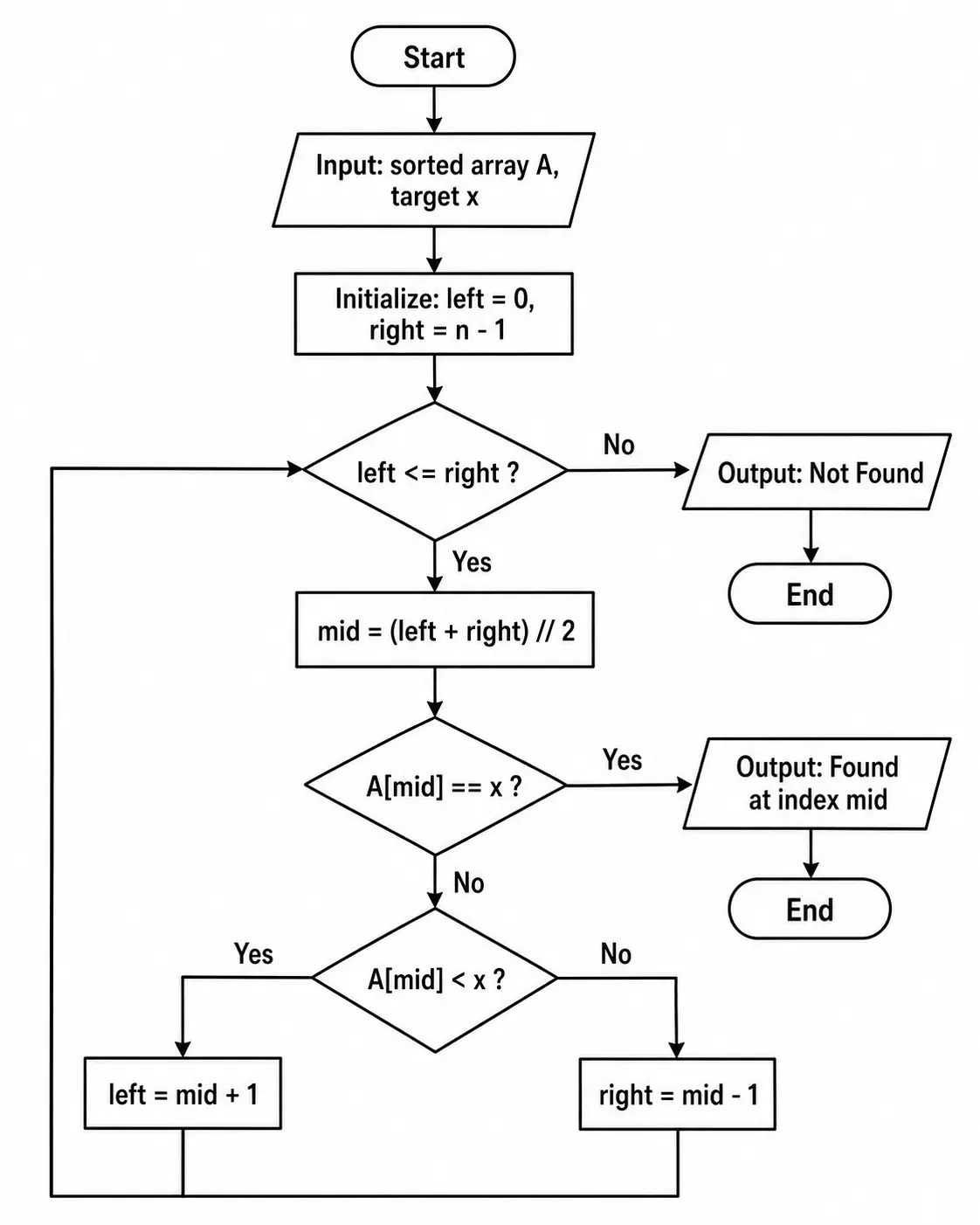
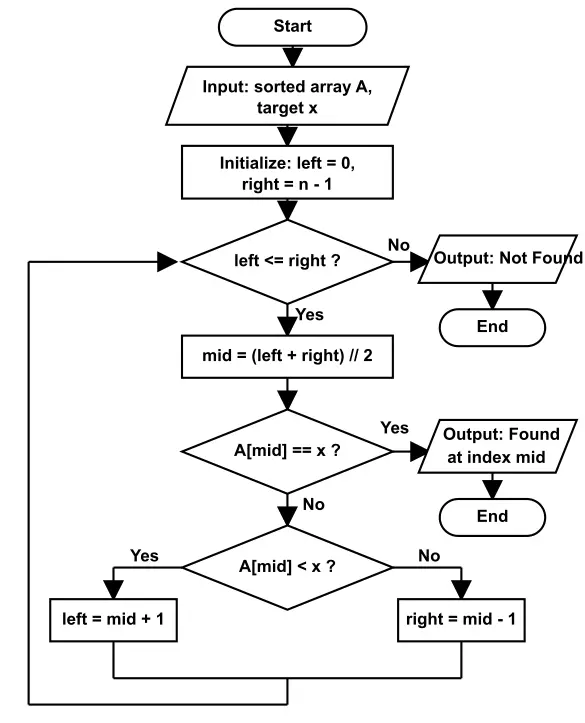
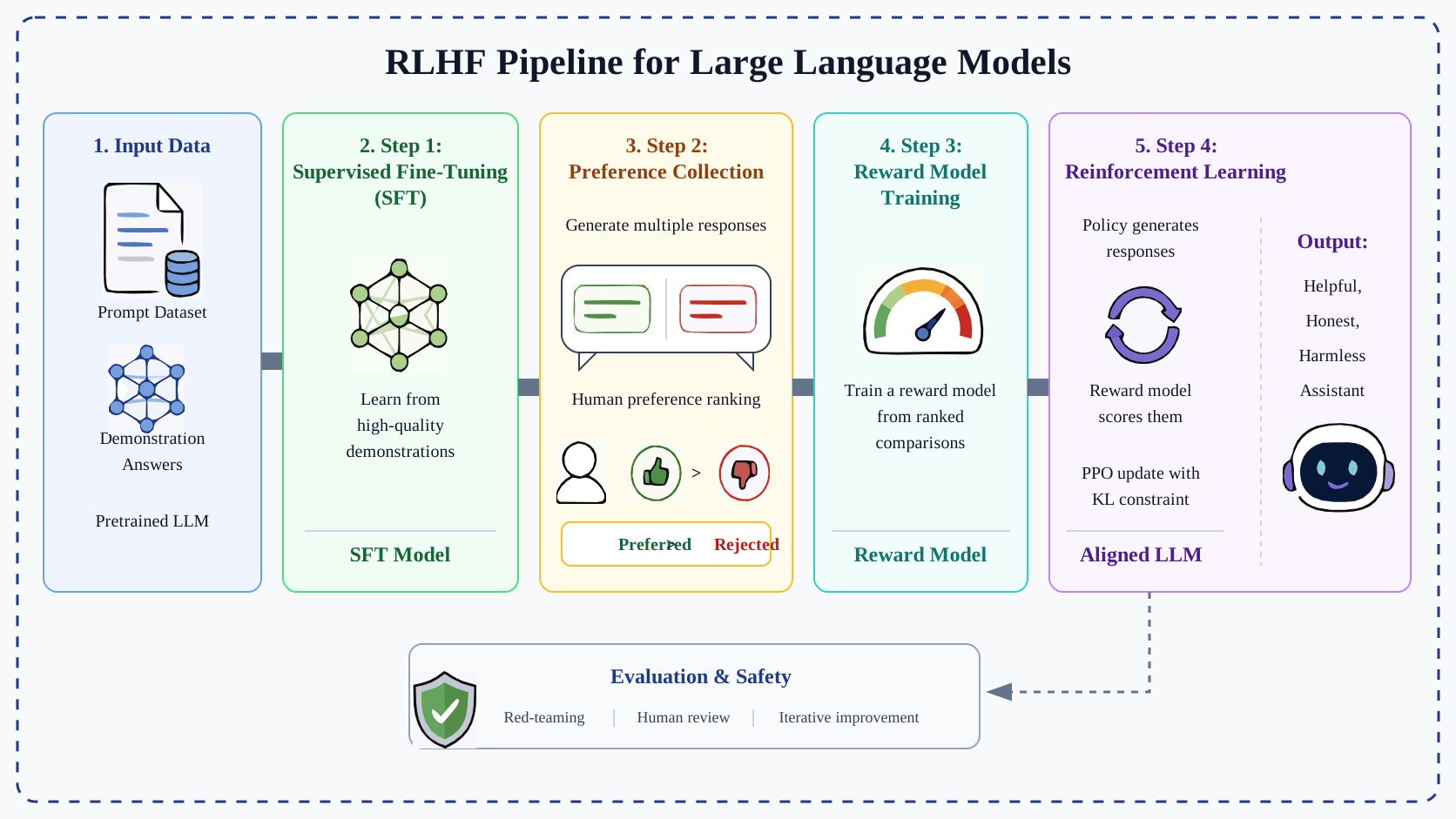
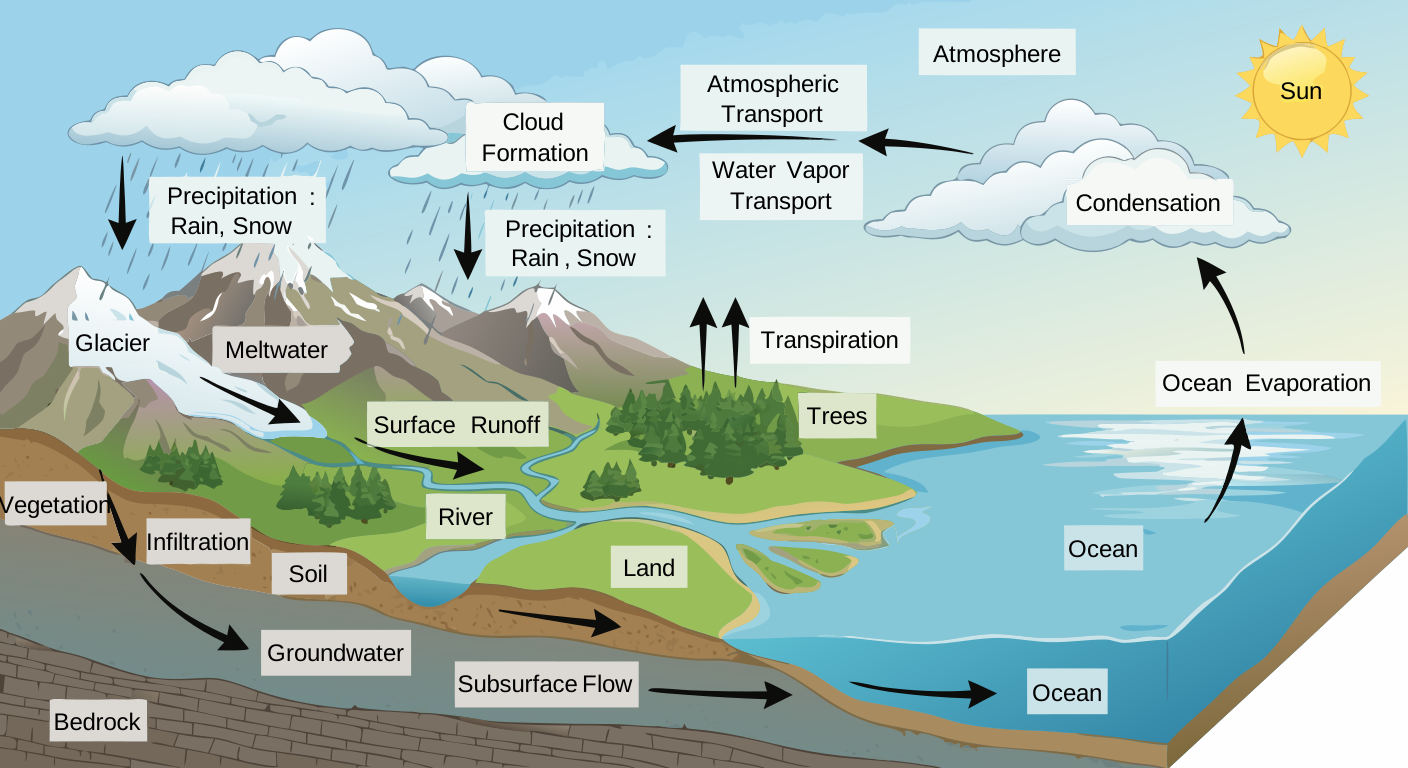
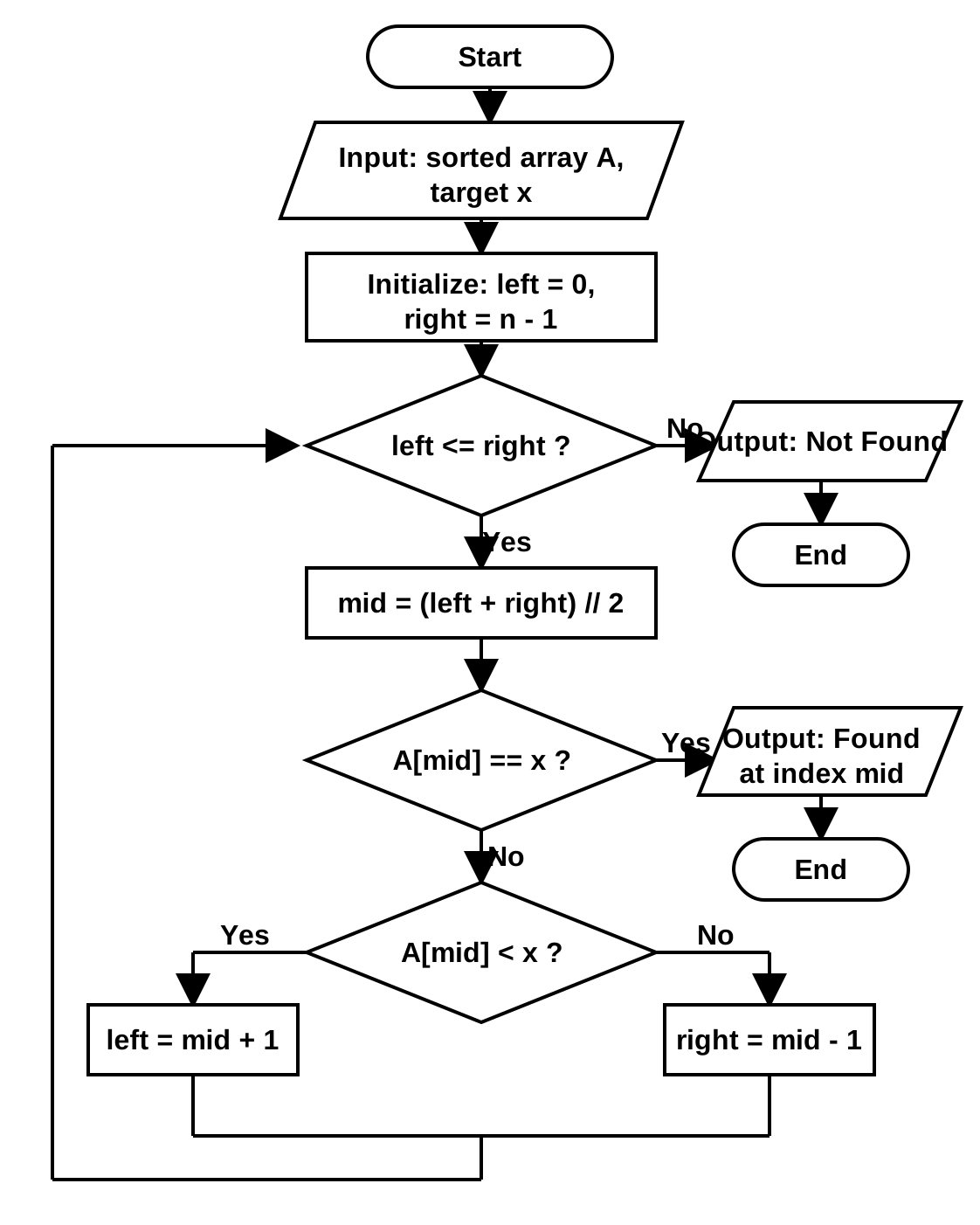
See how AI-generated figures become fully editable vector graphics
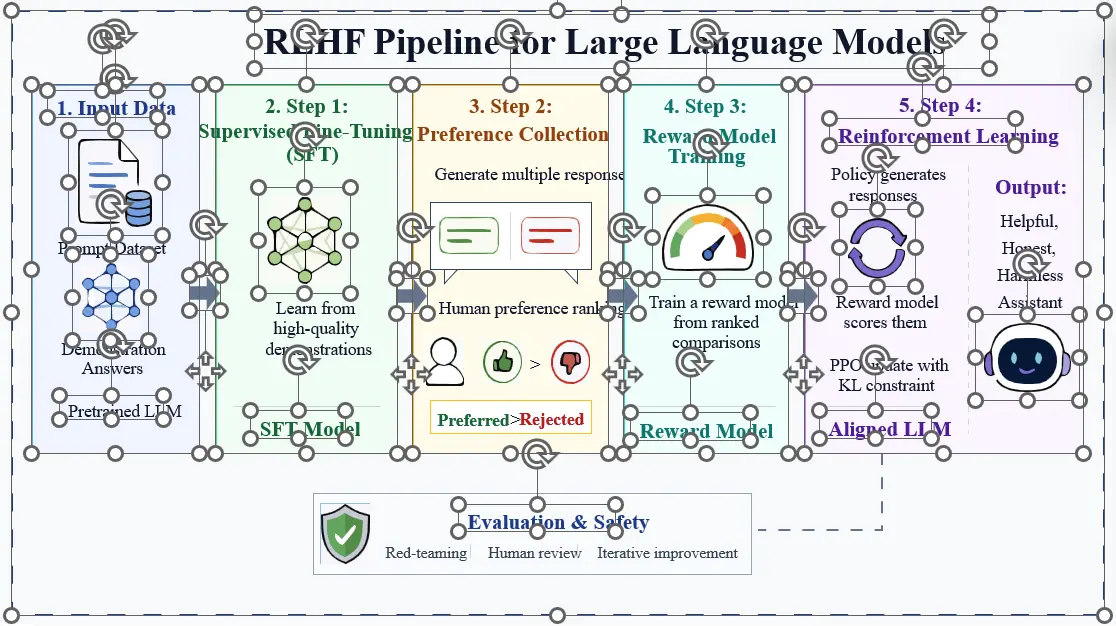
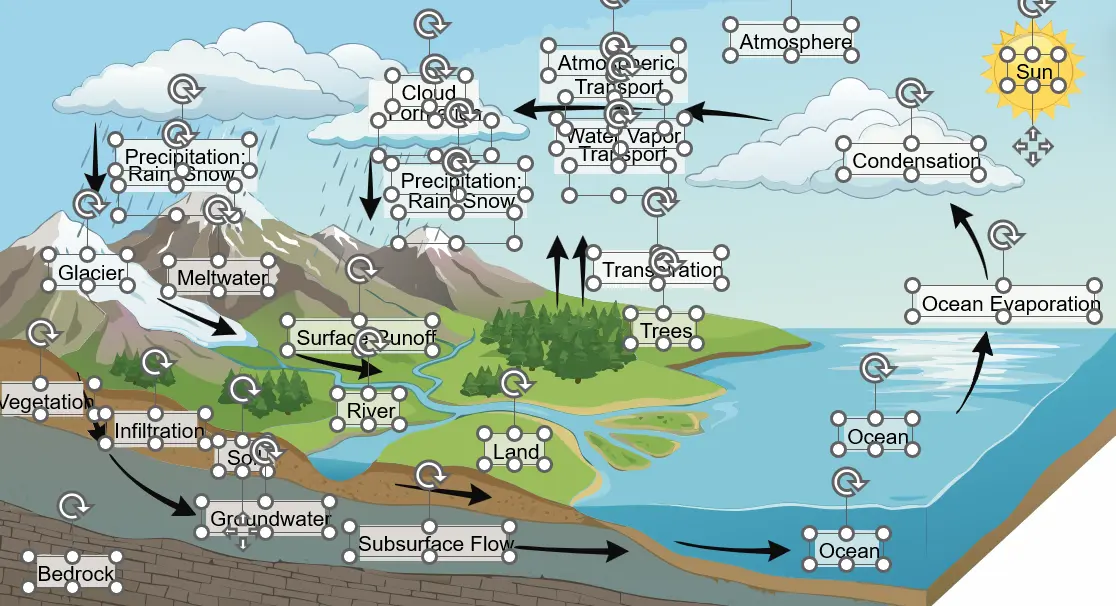
Supports any drawing software that can edit SVG, such as Adobe Illustrator, Inkscape, and PowerPoint.
How to import into PowerPoint: Copy the downloaded SVG file with Ctrl+C, paste it into a new slide, then right-click and choose "Ungroup" to cancel the grouping.
Easily edit figures generated by Gemini Nano Banana, GPT Image 2, and other AI tools. Perfect for research papers, slides, presentations, and academic publications.
Convert bitmap figures to scalable vector graphics (SVG), preserving the original structural information for further editing in PowerPoint, Illustrator, and Inkscape.
A multi-agent system intelligently recognizes text, frames, arrows, and all structured elements in the image, preserving every piece of structural information for smoother editing.
Use Basic Canvas to select and remove unwanted text from figures, add custom text with full font control, and resize or rotate text boxes freely. It is completely free and requires no login.
Join thousands of researchers, students and professionals to edit AI-generated figures with a cleaner workflow.
Try It Free{{ authModalReason || 'Use your Google account to continue.' }}